Add GoalfyData to your agent workflow
01
Copy the setup instructions
Copy the setup instructions and paste them into Claude Code.
Send this to Claude Code:
Install GoalfyData for me. Here are the setup guide URLs:
- **Claude Code**: `curl -sL https://cdn.goalfydata.ai/dataset-uds/guides/claude-code/AGENTS.md`
- **Codex-mac-linux**: `curl -sL https://cdn.goalfydata.ai/dataset-uds/guides/codex/AGENTS.md`
- **Codex-windows**: `curl -sL https://cdn.goalfydata.ai/dataset-uds/guides/codex/AGENTS.windows.md`
02
Send to Claude Code
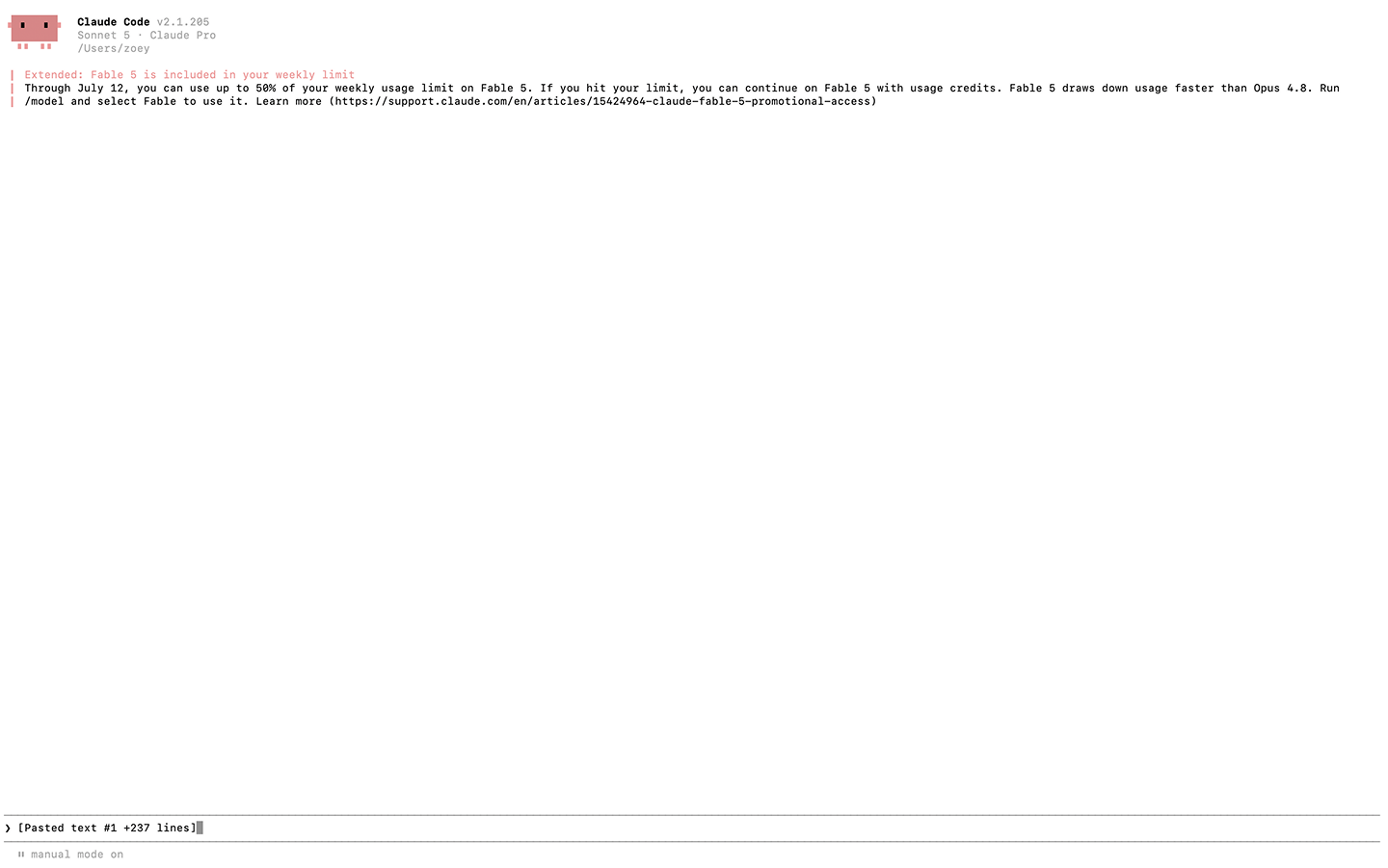
Create a new chat in Claude Code, paste the copied content into the Claude Code chat box, and click Send.
03
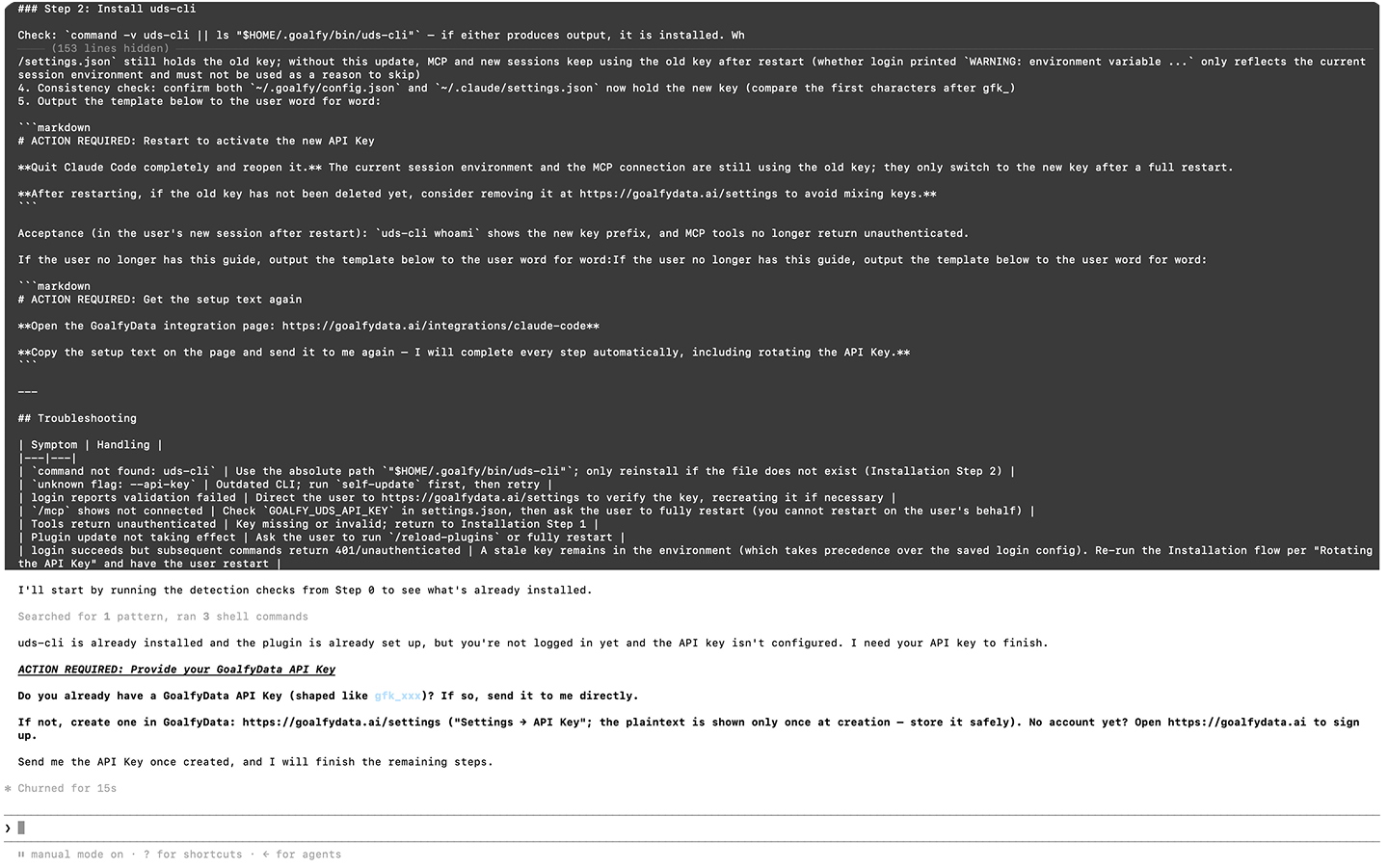
Get an API key
In GoalfyData, go to Settings → API Key and generate a new key.
04
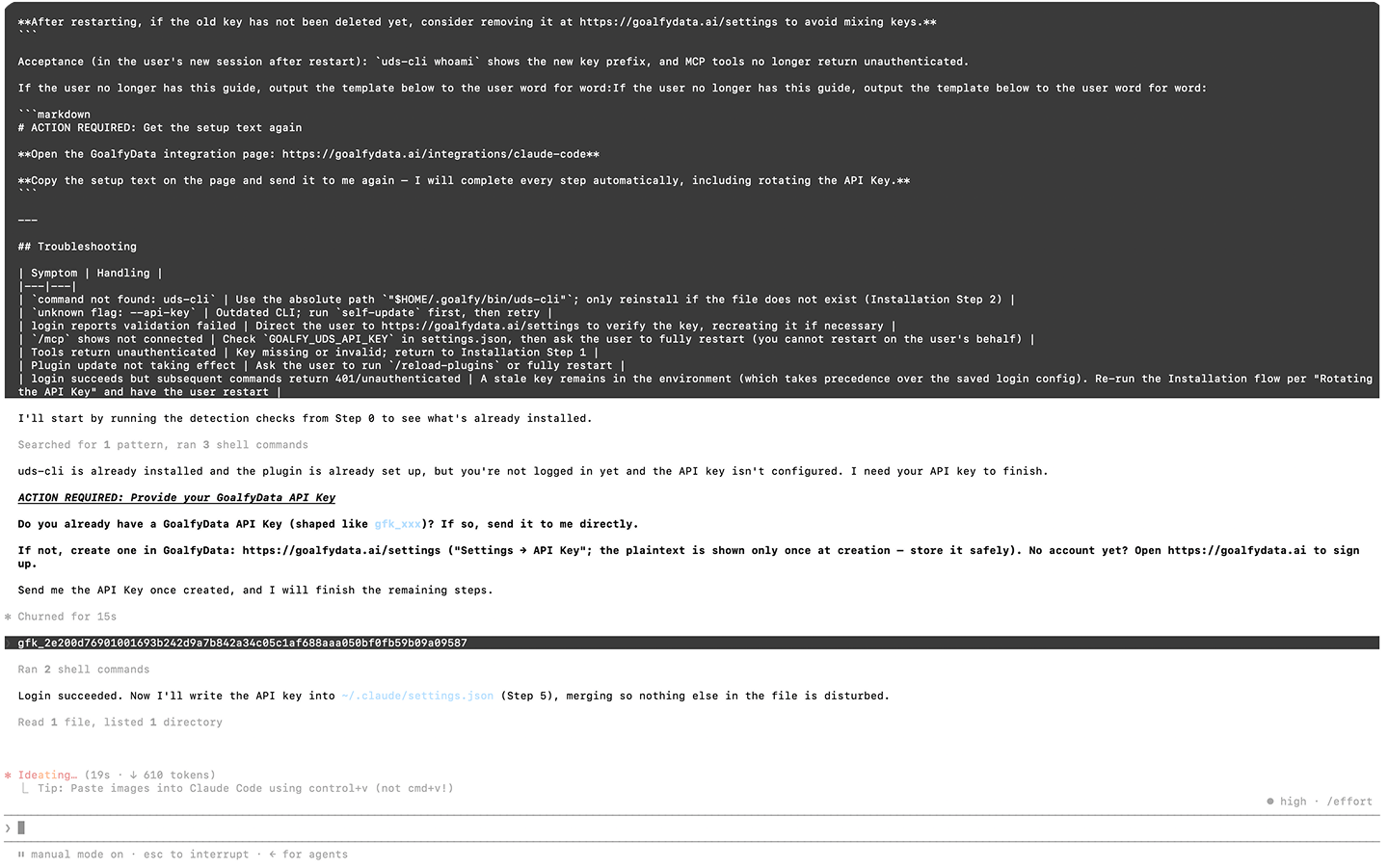
Submit API Key
Paste the API key into Claude Code, then send it.
05
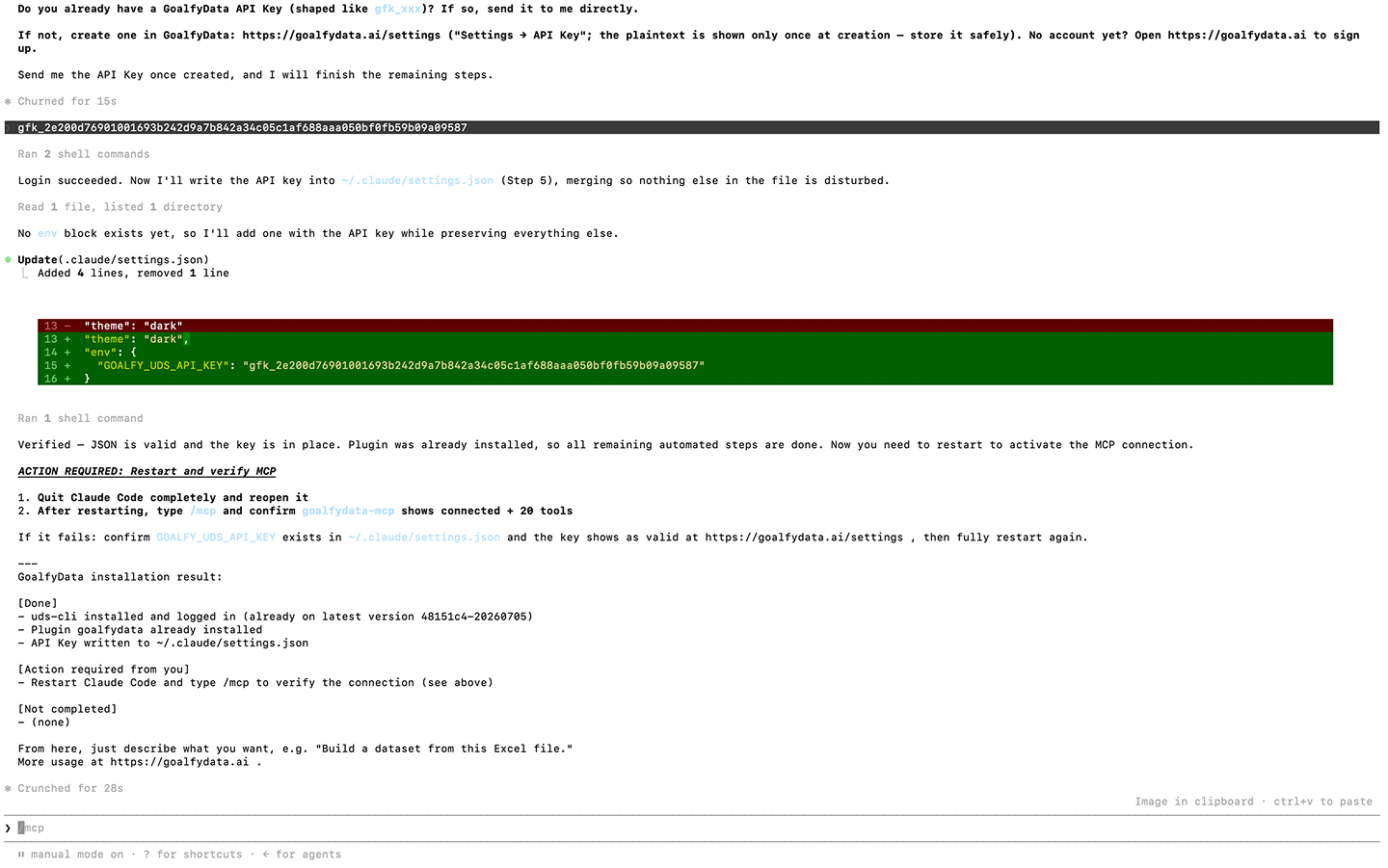
Complete Installation
Restart Claude Code after installation is complete to start using it.